 Hong Zhong's Blog
Structural - Composite Pattern
Design Thoughts
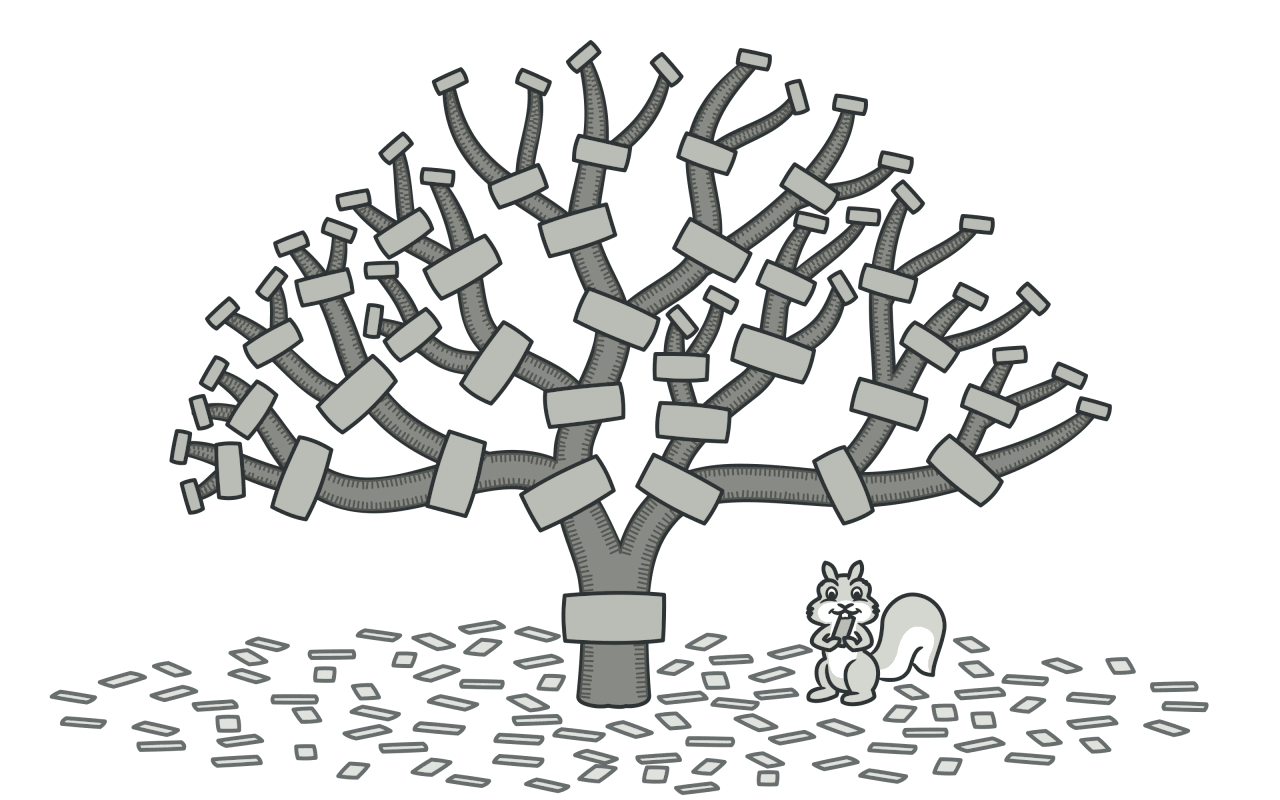
Composite Pattern is a structural design pattern that allows objects to be combined into a tree structure to represent a part-whole hierarchy. Composite pattern allows clients to uniformly handle single objects and object combinations without distinguishing their types.
Composite pattern usually includes the following roles:
-
Component: defines the common interface of all objects in the composite. It can be an abstract class or an interface, declaring some operation methods, usually including adding child nodes, deleting child nodes, getting child nodes, etc.
-
Leaf: represents a leaf node object in the composite, and the leaf node has no child nodes. Implements the component interface.
-
Composite: represents a container node, which can contain leaf nodes or other composite nodes. Implements the component interface, usually contains a list of child nodes.
Class Diagram
Code Implementation
interface Component {
  void execute();
}

class Leaf implements Component {
  @Override
  public void execute() {
    System.out.println("Leaf execute invoke.");
  }
}

class Composite implements Component {

  private List<Component> children = new ArrayList<>();

  public void add(Component component) {
    this.children.add(component);
  }

  public void remove(Component component) {
    this.children.remove(component);
  }

  public List<Component> getChildren() {
    return new ArrayList<>(this.children);
  }

  @Override
  public void execute() {
    System.out.println("Composite execute invoke start.");
    for (int i = 0; i < children.size(); i++) {
      Component component = children.get(i);
      System.out.println("Composite children[" + i + "] execute invoke start.");
      component.execute();
      System.out.println("Composite children[" + i + "] execute invoke end.");
    }
    System.out.println("Composite execute invoke end.");
  }
}

public class Client {
  public static void main(String[] args) {
    Composite root = new Composite();
    Component node1 = new Leaf();
    Component node2 = new Composite();
    Component node3 = new Leaf();

    root.add(node1);
    root.add(node2);
    root.add(node3);

    root.execute();
  }
}
Pros and Cons
Advantages:
- The composite pattern unifies the interfaces of leaf and composite nodes, allowing clients to consistently handle single objects and composite objects, reducing the complexity of client code.
- The composite pattern supports dynamic composition, which allows you to dynamically add or remove child nodes at runtime, making the system more flexible and easy to expand.
- It complies with the open-closed principle; you can add new elements to your application and make them part of the object tree without changing existing code.
Disadvantages:
- The composite pattern pursues a consistent interface, but this may result in some operations having no practical significance in the leaf nodes. A balance needs to be struck between transparency and consistency.
- Recursive operations may cause performance issues when dealing with large tree structures. Careful design is required to avoid performance bottlenecks.
Applicable Scenarios
- When there is a whole-part relationship and the objects form a tree structure, the composite pattern is suitable. For example, the file system, UI components in the graphical user interface (GUI), etc.
- When the client needs to treat single objects and composite objects consistently, the composite pattern is suitable. For example, handling the relationship between menus and menu items.
- When the structure of objects is nested and you want the client to be able to handle these objects in a unified way, the composite pattern is a suitable choice.